Created by Mixamo, Fuse is a 3D computer graphics program that helps you to quickly and easily create 3D characters. Formerly known as Fuse Character Creator, it's a fantastic tool for video game developers, modders and enthusiasts. You can edit 3D characters with ease by choosing parts as you require and pulling and pushing them to change the appearance.
Adobe Fuse Discontinued?
Fuse has been removed from Creative Cloud and is no longer available for download. However, I have made it available at the downloadable links provided below. Feel free to download it; it's safe. I hope people find this useful. Enjoy!!
With the help of FaceGen, I was able to quickly 3D model my head from photographs and transform myself into a game character. FaceGen is a 3D modeling middle-ware produced by Singular Inversions. It has been used for player character creation in Tiger Woods PGA Tour (photo game face), The Elder Scrolls IV: Oblivion and the Football Manager series. FaceGen exports to the native formats of most popular 3D packages. The models are a bit heavy on geometry, but upon import into your favorite 3D package, detail is easily reduced. I was impressed by how accurate the results were.
After expanding the XNAnimation library to support multiple animations working from a single .fbx model file, which I discussed in a previous post, I also adopted an approach originally created by Andy Dunn (aka The Zman). In his approach, each animation is to exported into a separate FBX file, and then a custom processor is used to merge them. With the help of Mixamo, I was able to add a wide range of animations to my game characters. Mixamo offers thousands of animations to choose from and an automatic rigging service. The base character model is solely a T-pose rig with no other additional animations. The animations from Mixamo are exported in separate files and the program plays their animations and applies them to the T-pose rig, thus animating the character. This approach essentially allows me to add an infinite number of animations.
In short, now the engine supports both multiple animations from a single .fbx model file and animations from separate .fbx files. Essentially both methods can also be applied at once. Thanks to Tom Looman, I was able to integrate the Rig/Skeleton Visualizer from the sgMotion library. It visualizes the animation skeleton to debug animation and rigging issues and helps finding bone/dummy names and indices more easily. The sgMotion library also allows you to cycle through the skeleton to highlight bones and their children. The source code to the sgMotion library can be found below. Unfortunately I had to mute the song in the video above to avoid any copyright claims.
(Source Code & Tutorial Coming Soon)
Special Thanks
Bruno Evangelista for his original work
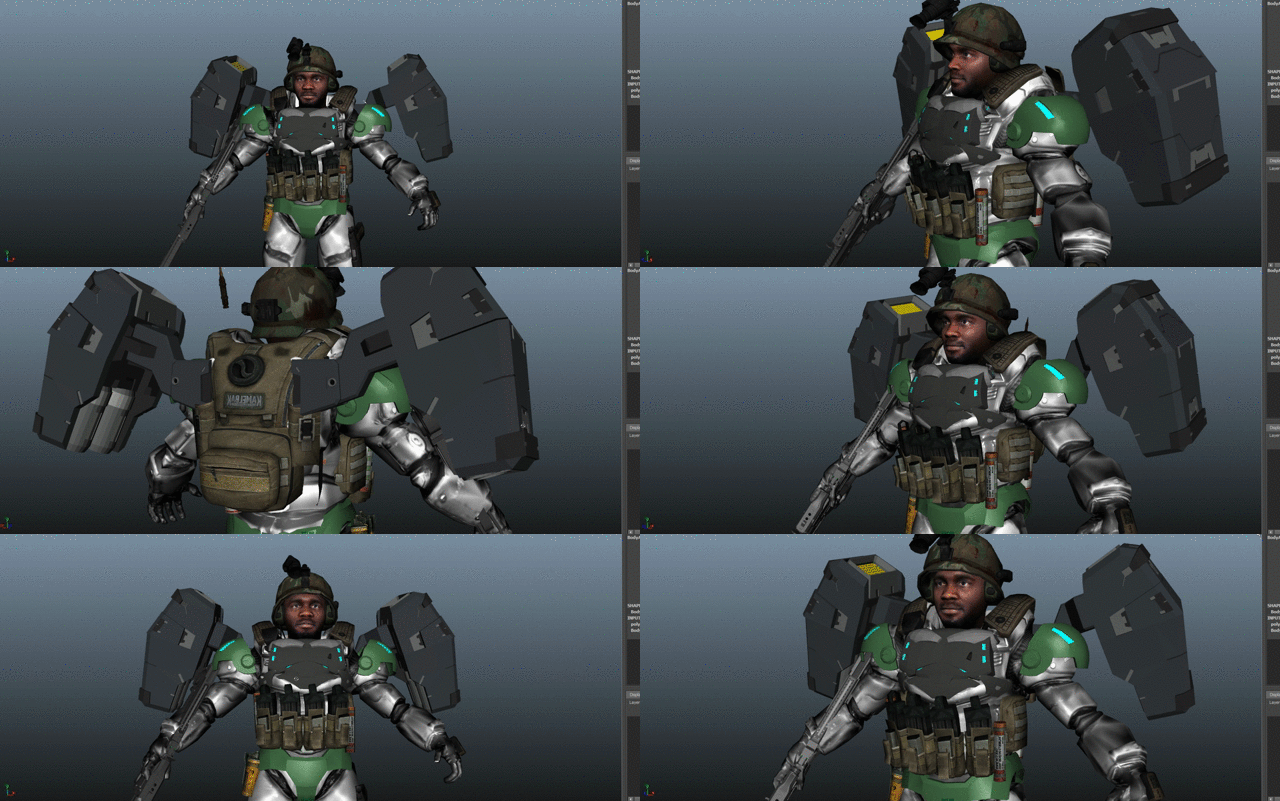
Carlos Augusto of Floatbox Studios for the character marine
Create some stunning characters for your game projects with Character Creator 3! This is a tool that allows you to create stylized or realistic animated characters for use in iClone, Maya, Unreal Engine 4, Unity, Cry Engine or any other 3D applications.